What is Google's website speed test?
Google's website speed test is called PageSpeed Insights. It's free, it lives at pagespeed.web.dev, and it tells you how fast one page of your website loads on a phone and on a computer. It also lists what's slowing the page down.
Google used to offer a second tool called Test My Site. That tool has been retired, so PageSpeed Insights is now the one to use.
How do you test your website speed with Google?
- Go to pagespeed.web.dev.
- Paste in the full address of the page you want to test, like your homepage or your most important service page.
- Click Analyze and wait about 30 seconds.
- Look at the Mobile tab first, then switch to Desktop.
- Scroll down to Diagnose performance issues to see what to fix.
Test more than your homepage. The pages that bring in calls, like service pages and contact pages, matter just as much.
What does the PageSpeed Insights score mean?
The big number is a performance score from 0 to 100, colored by Google's bands:
- 90–100 (green): good
- 50–89 (orange): needs improvement
- 0–49 (red): poor
The score is a lab test. It simulates one visit, so it can move a few points each time you run it. Don't chase a perfect 100. Use it to spot big problems.
What are Core Web Vitals?
Core Web Vitals are the three measurements Google uses to judge how a page feels to real visitors. Google's published targets for a "good" page are:
| Measurement | What it means | Good |
|---|---|---|
| Largest Contentful Paint (LCP) | How long until the main content shows up | 2.5 seconds or less |
| Interaction to Next Paint (INP) | How fast the page reacts when someone taps or clicks | 200 milliseconds or less |
| Cumulative Layout Shift (CLS) | How much the page jumps around while loading | 0.1 or less |
At the top of the report, you may see a section based on real visitors from the last 28 days. That's real-world data from Chrome users, and it's what Google uses in search. Newer or smaller sites often don't have enough visitors to show it, so you'll only see the lab test below it.
What does a real result look like?
We ran our own homepage through the test on October 16, 2026, a week after rebuilding missiondrivenbrand.com. On desktop, the main content appeared in 0.67 seconds. On the simulated phone test, it took 2.6 seconds, just over Google's 2.5-second line. Layout shift was zero on both.
The biggest item it flagged was a redirect: an extra hop before the page starts loading. That's a good example of how the test helps. It points to one specific fix instead of a vague "your site is slow."
How do you test mobile website speed?
PageSpeed Insights shows the mobile result first by default. It simulates a mid-range phone on a slower connection, which is why mobile scores are almost always lower than desktop. That's on purpose. It shows you the experience of a customer standing in their driveway on cell service.
For a quick real-world check, open your site on your own phone with Wi-Fi turned off. If you find yourself waiting, your customers are too.
Is Google's speed test the same as an internet speed test?
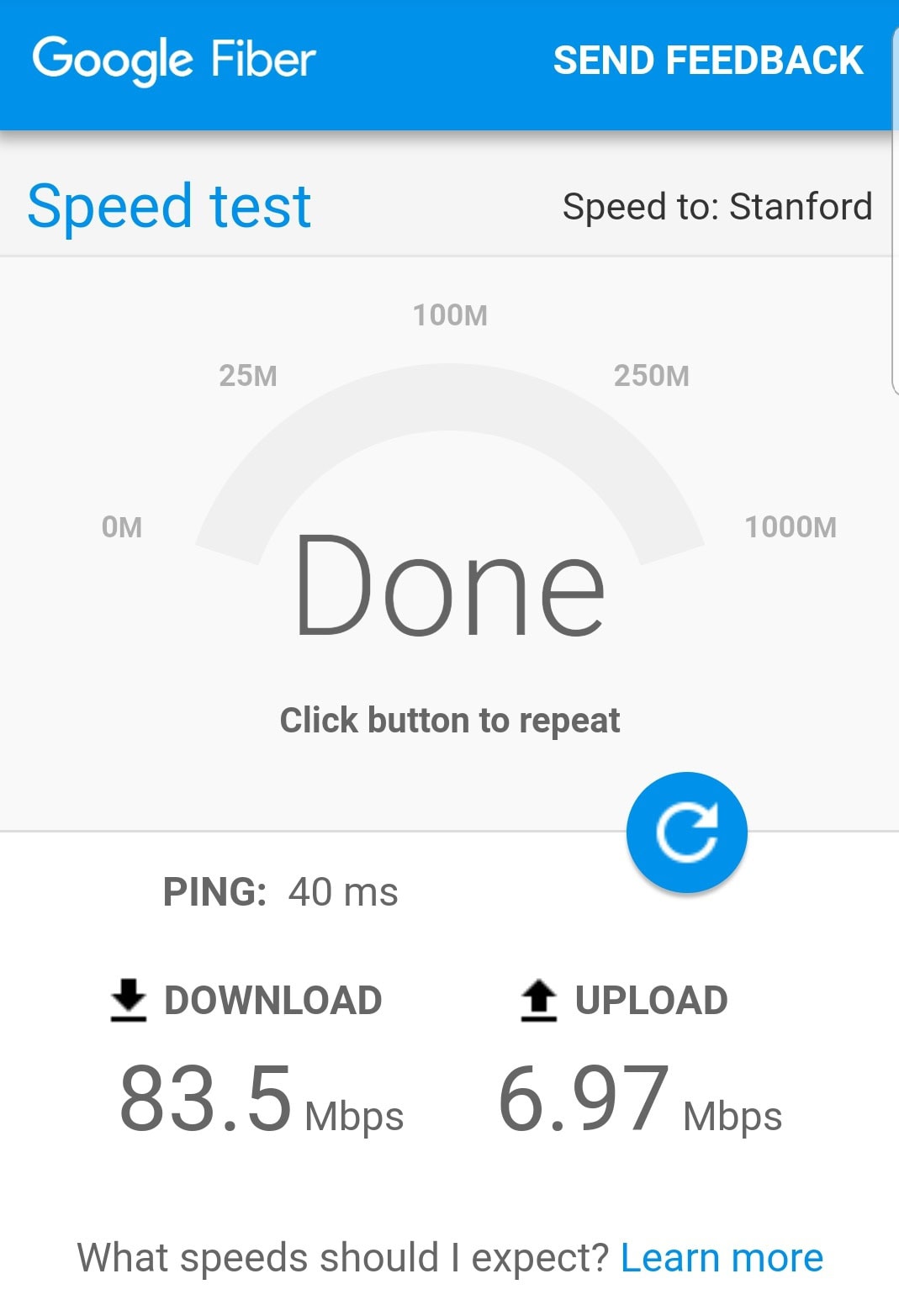
No. If you search "speed test" on Google, you'll often see a built-in internet speed test. That measures your own internet connection. It says nothing about your website.
To test your website, use PageSpeed Insights. To test your Wi-Fi or phone signal, use the internet speed test.
What other Google tools check website speed?
- Google Search Console. The Core Web Vitals report shows which pages on your whole site pass or fail, using real visitor data.
- Lighthouse in Chrome. Right-click a page, choose Inspect, then open the Lighthouse tab. It runs the same lab test as PageSpeed Insights inside your browser.
What should you fix first if your site is slow?
Start with what PageSpeed Insights lists at the top of its suggestions. For most small business sites, the usual problems are oversized photos, too many plugins or tracking scripts, slow hosting and extra redirects. Our guide to pagespeed optimization for SEO walks through each fix in order. If your site runs on WordPress, start with these WordPress speed steps.
If the fixes pile up, a rebuild can be faster than patching. Our website and local SEO service builds fast pages from the start. Or get a free Growth Leak Audit and Rob will show you what your current site is costing you.
Common questions
How do I check my website speed with Google?
Go to pagespeed.web.dev, paste in your page's address and click Analyze. Google's PageSpeed Insights grades the page for mobile and desktop and lists what's slowing it down.
Is Google PageSpeed Insights free?
Yes. It's free, needs no login and works on any public web page, including your competitors' pages.
What is a good Google PageSpeed score?
90 to 100 is good, 50 to 89 needs improvement and 0 to 49 is poor. Core Web Vitals matter more than the score: aim for main content to appear in 2.5 seconds or less.
Why is my mobile speed score lower than desktop?
The mobile test simulates a mid-range phone on a slower connection on purpose. Mobile scores are almost always lower, and they're the ones to focus on for local customers.
Does website speed affect Google rankings?
Yes, but it's one signal among many. Speed helps most when your page already answers the search well. A fast page that doesn't answer the question still won't rank.

About Rob Pene
Rob is the founder of Mission Driven Brand. For 15+ years he's helped growing businesses turn more leads into sales. He's written for Business Insider, CEOWORLD and AllBusiness.