Why is my WordPress site slow?
WordPress sites usually slow down for five reasons:
- Cheap shared hosting that can't keep up when several people visit at once
- No caching, so WordPress rebuilds every page from scratch for every visitor
- Large images uploaded straight from a phone or camera
- Too many plugins, each adding its own code and requests
- A heavy theme or page builder that loads far more code than the page needs
How do you test WordPress site speed?
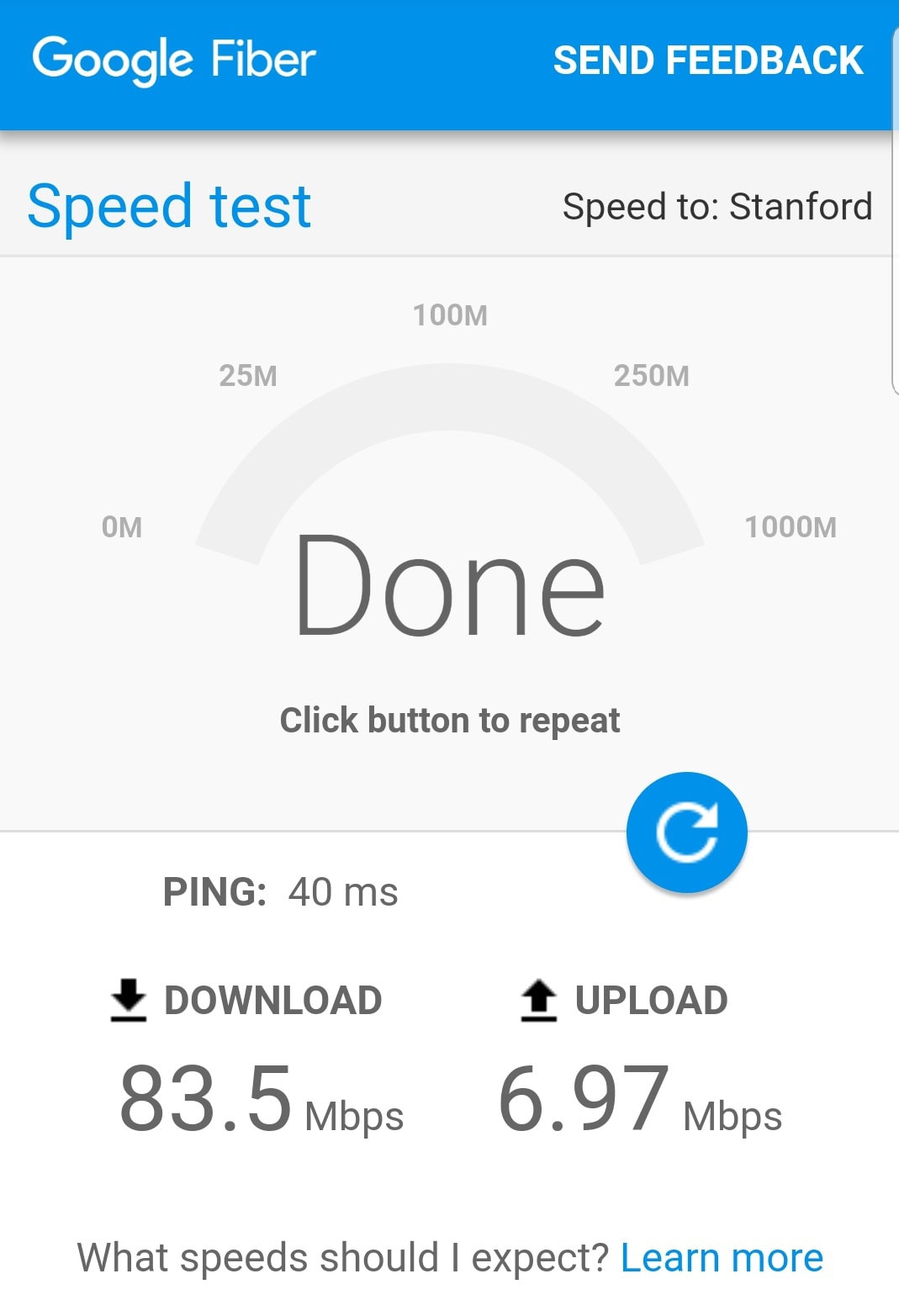
Run your homepage and one important service page through Google's free PageSpeed Insights at pagespeed.web.dev. Write down the mobile score and the Largest Contentful Paint time. Google's target is 2.5 seconds or less. Our guide to the Google speed test explains how to read the results.
GTmetrix and Pingdom are popular second opinions. They show a "waterfall" of every file your page loads, which makes it easy to spot a huge image or a slow plugin. Whatever tool you use, test the same pages before and after each change.
How do you speed up a WordPress site?
Work through these in order. Back up your site before you start.
- Upgrade your hosting. Managed WordPress hosting or a good cloud host is often the single biggest improvement for a slow site.
- Turn on caching. A caching plugin saves ready-made copies of your pages. WP Rocket is a popular paid option that also handles file compression, preloading and lazy loading. Many hosts include their own caching, so check before adding a plugin.
- Compress your images. Plugins like ShortPixel and Imagify shrink images as you upload them and can convert them to WebP. Also resize images to the size they actually display at.
- Lazy-load images and videos. WordPress lazy-loads images by default, and caching plugins can extend it to videos and iframes. Don't lazy-load the main image at the top of the page, since it should load right away.
- Remove plugins you don't need. Deactivate and delete anything you're not using, and replace plugins that do one small job with a simple setting where you can.
- Add a CDN. A content delivery network serves your files from a location near each visitor. Cloudflare's free plan is a common starting point.
- Use fast DNS. DNS turns your domain name into an address browsers can find. A fast DNS provider like Cloudflare trims time off the very first step of every visit.
These steps build on a video tutorial from Ahrefs on speeding up WordPress, updated with what we see on small-business sites today.
How should you set up WP Rocket?
Start with the basics: page caching, mobile caching and lazy loading for images. Then test your site. Turn on the stronger file options (like delaying JavaScript) one at a time, and check your forms, menus and booking widgets after each one. If something breaks, turn that option off. Stronger isn't better if your contact form stops working.
Is my theme or page builder slowing WordPress down?
Often, yes. Some all-in-one themes and drag-and-drop builders load code for features you never use on every page. If you've done the steps above and your mobile Largest Contentful Paint is still well over 2.5 seconds, the theme is a likely cause. A lighter theme or a rebuild may be cheaper than more plugins.
Does a faster WordPress site help SEO?
Yes. Google uses Core Web Vitals, its speed and stability measures, as part of its ranking systems, though answering the search well matters more. Speed also keeps more visitors on the page long enough to call. Our guide to pagespeed optimization for SEO covers what Google measures.
Should you fix WordPress or move off it?
Fix it if the problems are hosting, caching, images and a few plugins. Consider a rebuild if the site keeps breaking, depends on dozens of plugins, or still fails after the basics. We rebuilt our own site off WordPress in October 2026. On our first test after the move, the homepage's main content loaded in 0.67 seconds on desktop. See what else a rebuild can change in this website redesign before and after.
Our website and local SEO service handles both tune-ups and rebuilds, and keeps your search rankings safe during a move. Not sure which you need? Start with Rob's free Growth Leak Audit.
Common questions
Why is my WordPress site so slow?
Usually cheap hosting, no caching, large images, too many plugins or a heavy theme or page builder. Most slow sites have two or three of these at once.
How do I speed up my WordPress site?
Test it first, then upgrade hosting, turn on caching, compress and lazy-load images, remove unused plugins, add a CDN and use fast DNS. Test again after each change.
What is the best plugin to speed up WordPress?
A caching plugin like WP Rocket covers the most ground, paired with an image compression plugin like ShortPixel or Imagify. Check whether your host already includes caching first.
Does WordPress lazy load images by default?
Yes. WordPress adds lazy loading to images automatically. Caching plugins can extend it to videos and iframes. The main image at the top of the page should not be lazy-loaded.
How do I test my WordPress site speed?
Use Google PageSpeed Insights at pagespeed.web.dev, and GTmetrix or Pingdom for a detailed view of every file the page loads. Test the same pages before and after changes.

About Rob Pene
Rob is the founder of Mission Driven Brand. For 15+ years he's helped growing businesses turn more leads into sales. He's written for Business Insider, CEOWORLD and AllBusiness.