9:14
9:14What's wrong with onboarding by PDF?
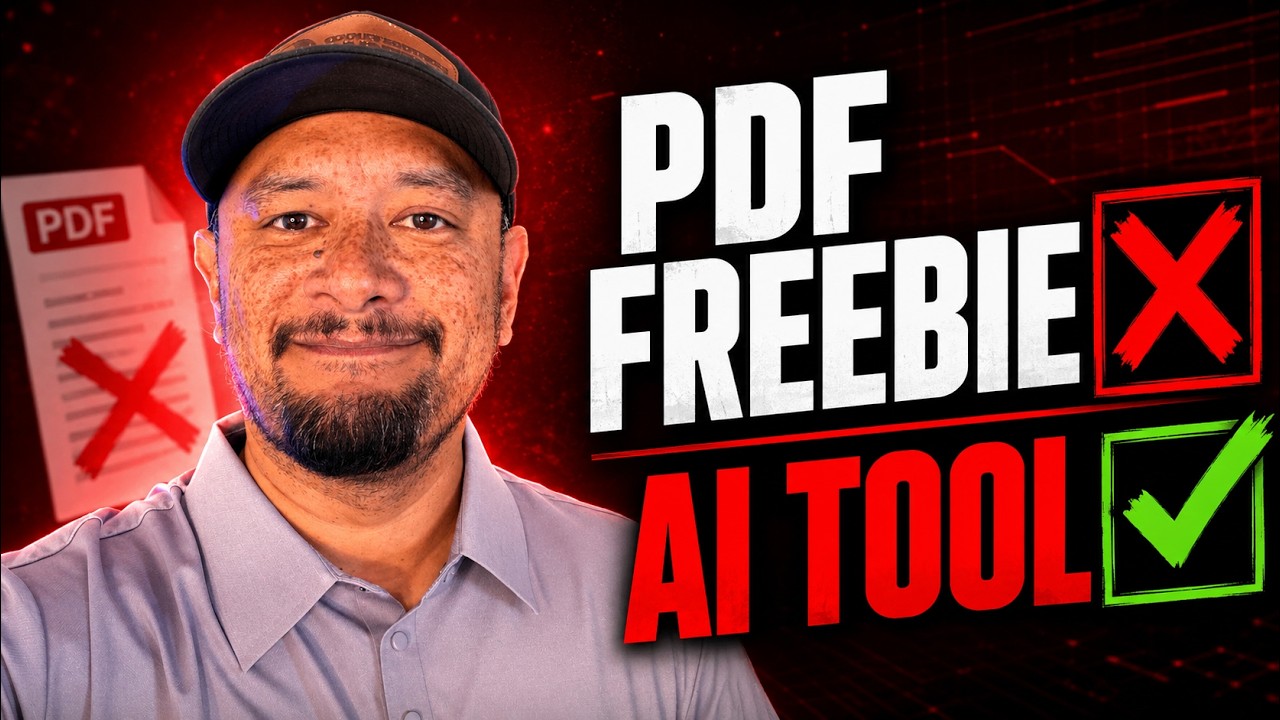
Rob's example is the onboarding packet for new student-ministry leaders at his church: 16 pages of mission, vision, contacts, required apps and forms. Businesses have the same problem. New hires skim the document, and managers can't tell who has finished what.
How did Rob build the app?
- He uploaded the PDF to Claude and asked how to turn it into a web app for easy onboarding.
- Claude built a first prototype to get the look and feel right.
- He asked for the back end so the app saves data, then for a full requirements document and the code.
- He built the real app in Lovable, with sign-up, login and a dashboard. Hosting and the database were built in, so he didn't need separate services.
- He added two outside pieces: Resend, so emails go out when messages are sent and new users get a confirmation link, and the OpenAI API for the AI features.
What does the onboarding app do?
- A step-by-step checklist, with a date and notes for each step.
- Required apps and resources, each with a link.
- Emergency contacts and key information pulled from the original document.
- Messages, so new people can reply to the admin.
- Training videos, uploaded directly or from YouTube.
- Questions after each video. You can't mark a video complete until you answer.
- Forms like a signed commitment, a quarterly report and a meet-the-directors step.
What's the lesson for business owners?
Claude didn't decide what the app needed. Rob did. The date and notes, the messages, the training questions and the lock on finishing videos were all his ideas. As he puts it, you have to be smart enough to know what you want.
Expect bugs, too. Rob found two during the demo and fixed them by describing the problem to the AI builder. Testing is part of the job.
What other processes could become an app?
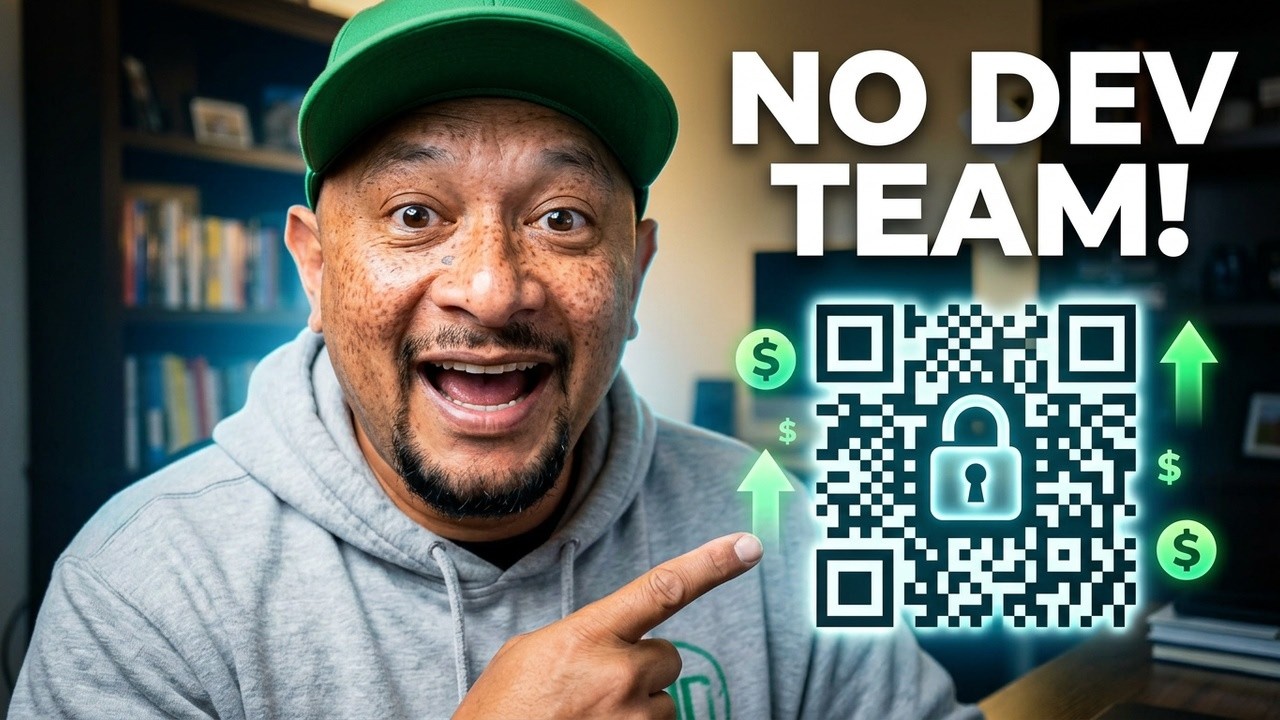
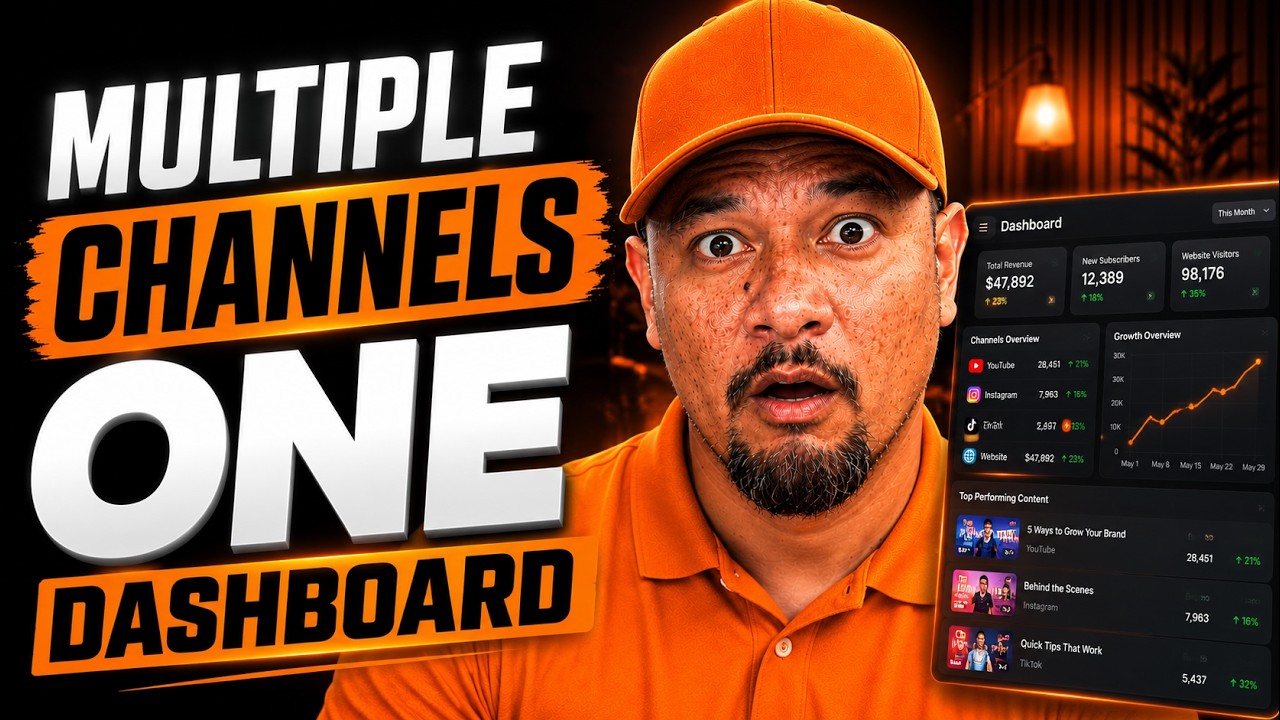
Employee onboarding, client onboarding, standard operating procedures, training quizzes and intake forms are all good fits. So is pulling scattered numbers into one screen, like the YouTube analytics dashboard Rob built, or solving a costly one-off problem, like the QR code platform he built with Claude Code.
If your team loses hours to a process like this, our custom AI tools service builds it for you, using the tools you already have.
Common questions
Can I build an onboarding app without a developer?
Yes. Rob planned this one with Claude and built it in Lovable. You still need to know exactly what each step should do, and you'll need to test it.
What tools did Rob use?
Claude to plan the app and write the requirements, Lovable to build and host it, Resend for emails, and the OpenAI API for the AI features.
How do I make sure new hires actually watch the training?
Require an answer to a question after each video before the video can be marked complete, which is how Rob's app works.
Does this work for client onboarding too?
Yes. The same setup works for welcoming new clients: checklists, documents, videos and messages in one place.
About Rob Pene
Rob is the founder of Mission Driven Brand. For 15+ years he's helped growing businesses turn more leads into sales. He's written for Business Insider, CEOWORLD and AllBusiness.